
7
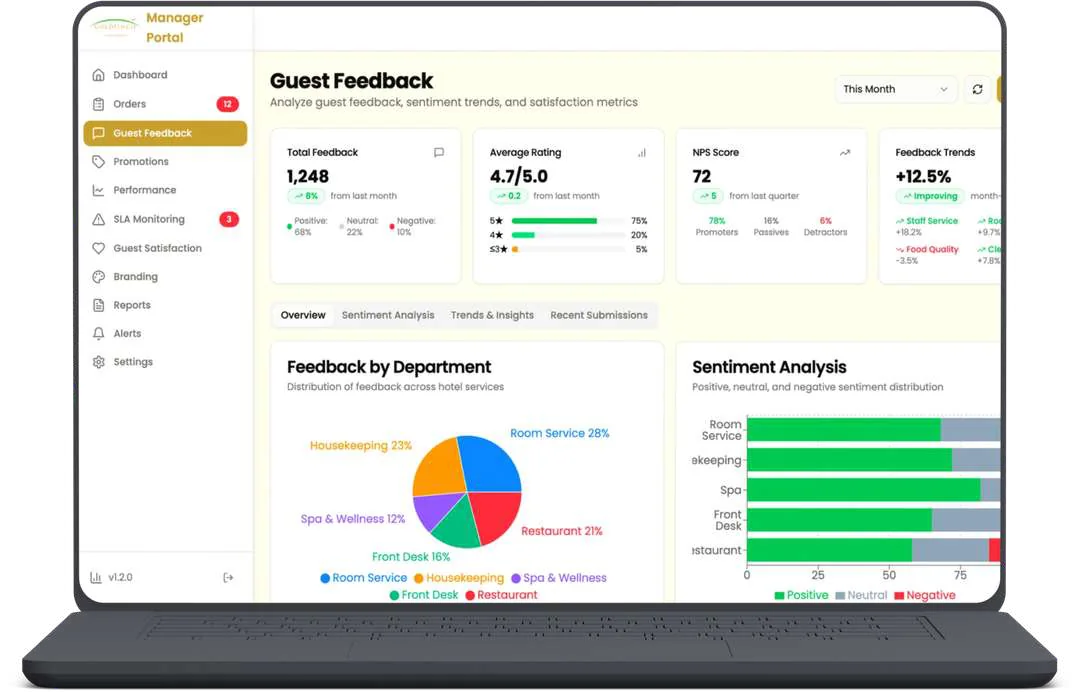
Panels, from guest to management
1
Reinforcement learning model for offers

QuickgickOur own hospitality product
We build assistants trained on your documents and connected to your systems, with limits on what they can do and a person to hand off to.
















An AI agent is software that uses a language model to decide what to do next and then acts through your other systems. A chatbot mostly answers questions. An agent can also look up an order, create a ticket or capture a lead, which is why its permissions matter as much as its prompt.
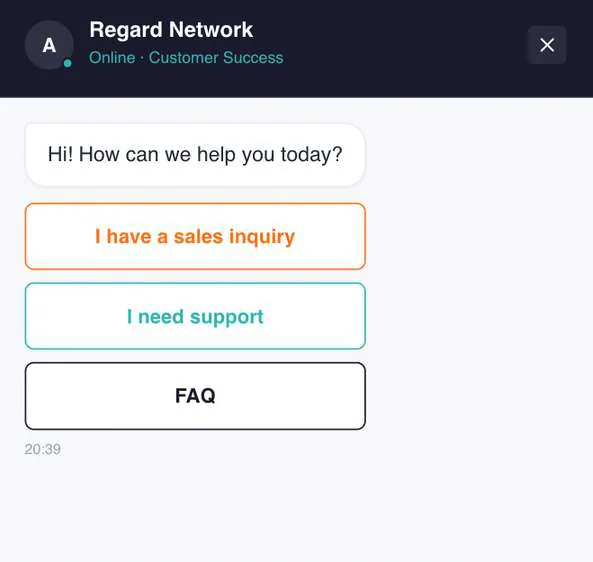
The website chatbot we built for a data center company opens with three paths: sales, support and FAQ. It answers from the company's own material using Gemini, collects a visitor's details and works with Odoo. Our WhatsApp assistant for hotels goes further, using the guest's booking to choose what to offer and when.
Each of these is something you can read and argue with before it reaches a customer.
A written list of what it may do, what it may never do, and who it escalates to.
Your documents and answers, cleaned up and connected so it can cite them.
Permissions, review steps, and a record of every action it takes.
A small group first, then tuning against real conversations.
The words get used loosely, so ask what the system can actually do.
| Item | Scripted chatbot | AI chatbot | AI agent |
|---|---|---|---|
| What it does | Follows a fixed menu | Answers in natural language | Answers, decides and takes actions |
| Uses your documents | No | Yes, if connected | Yes, if connected |
| Changes your systems | No | Usually not | Yes, within set permissions |
| Main risk | Frustrated users | Confident wrong answers | Wrong actions, so it needs limits |
| Good first use | Simple routing | Support questions and FAQs | Lead capture or ticket creation |
We test on real questions with a small group before anyone outside the company sees it. Scope and price are agreed in writing up front.
2
Channels shipped so far: website chat and WhatsApp.
3
AI providers we build on: Anthropic, OpenAI and Gemini.
Tested on real questions from your team.
Released to a few people first.
We talk to the people who do the work, look at the tools they already use, and write down the one outcome this project has to deliver.
You get a written scope, a stack and a plan. Anything that launch doesn't need gets moved to a later phase, so the first release stays small enough to ship.
We build in short cycles and put working software in front of you as we go, on real data wherever we safely can. You see progress in the product, not in a status deck.
We hand over with training and documentation, watch the first weeks closely, and stay available to fix and extend what we built.
7
Panels, from guest to management
1
Reinforcement learning model for offers
2
Business systems connected, Odoo and Microsoft
1
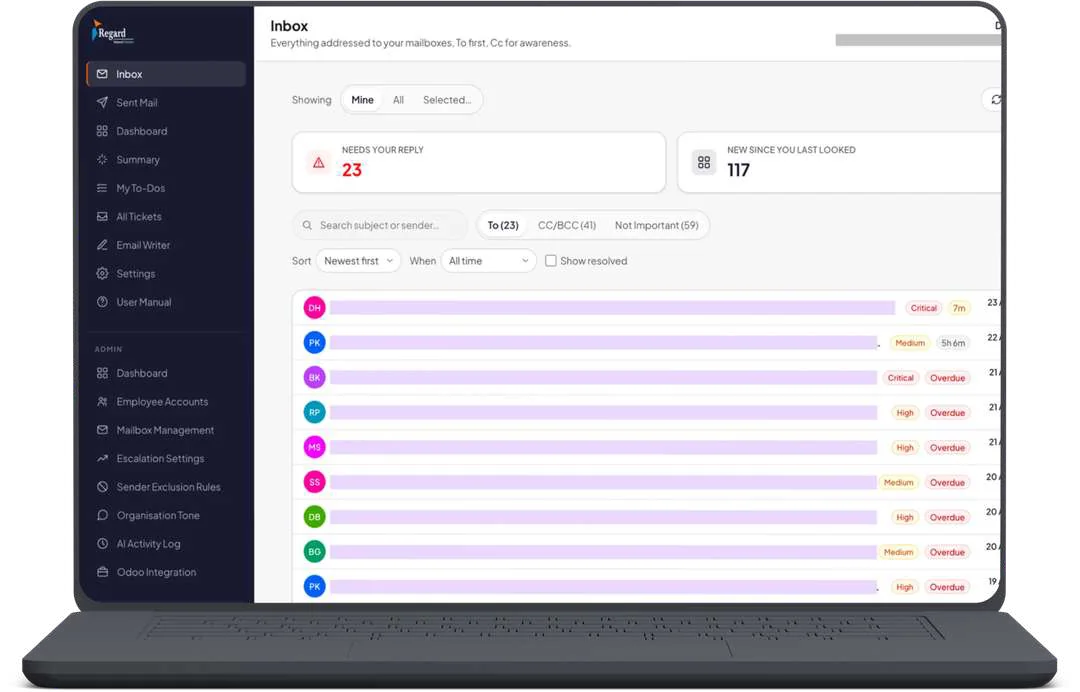
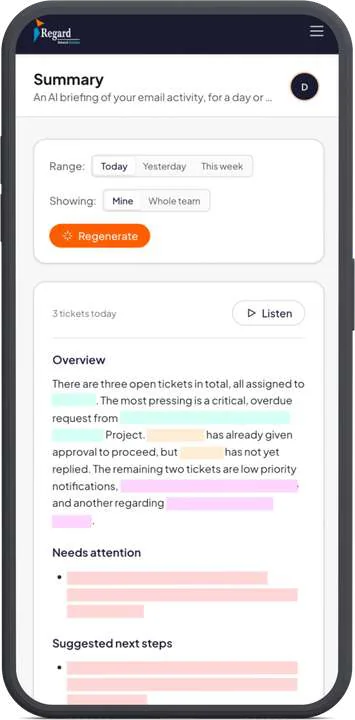
Ticket queue across shared mailboxes
A chatbot responds. An agent takes steps: it can decide it needs an order number, fetch it from your system, and act on the result. If a vendor's "agent" can't do anything outside the chat window, it's a chatbot with a new label.
We build on Anthropic, OpenAI and Gemini and choose per project, based on the task, cost, and data terms. The system is built so the model can be swapped later without a rewrite.
Yes, if the system has an API or a database we can reach safely. We've connected chatbots and email automation to Odoo and Microsoft. Actions that change records run with the narrowest permission that works.
It says so and hands the conversation to a person with the context attached. We define that handoff in the design stage, and we'd rather it admit a gap than guess.
We limit the tools it can use, check its output against your rules, and require approval on anything privileged. OWASP's 2025 list for LLM applications calls these risks prompt injection and excessive agency, and both are best handled by limiting what the agent can reach.
You do. The knowledge base, prompts and code are yours once the project is paid for, and they run in accounts you control.
Start there. Send us the question list and we'll show you what an agent could safely take over.